


软件

产品


实现枪开枪后, 向上偏移一段距离,再缓慢下移复位(模仿cs)
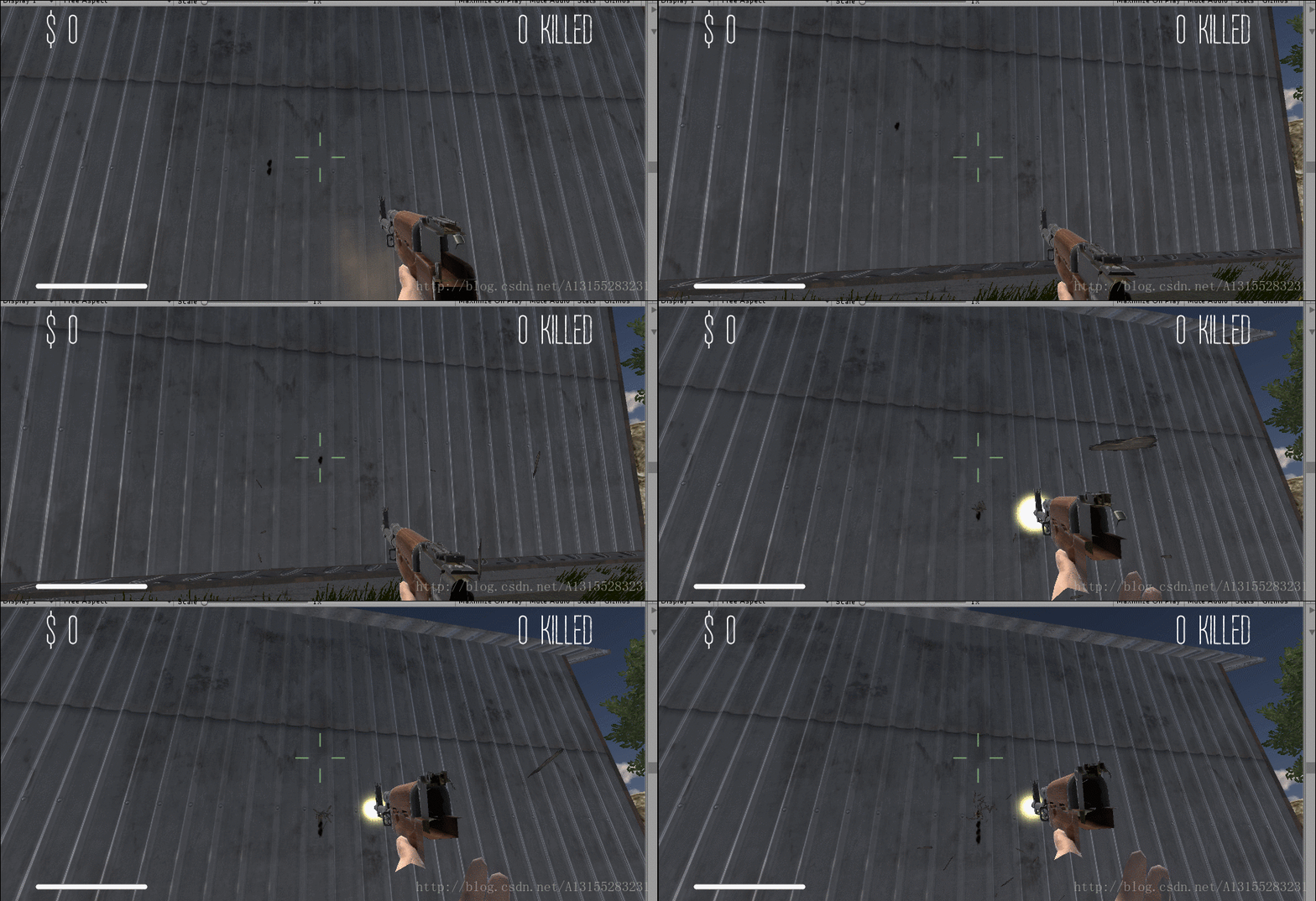
调小后座力
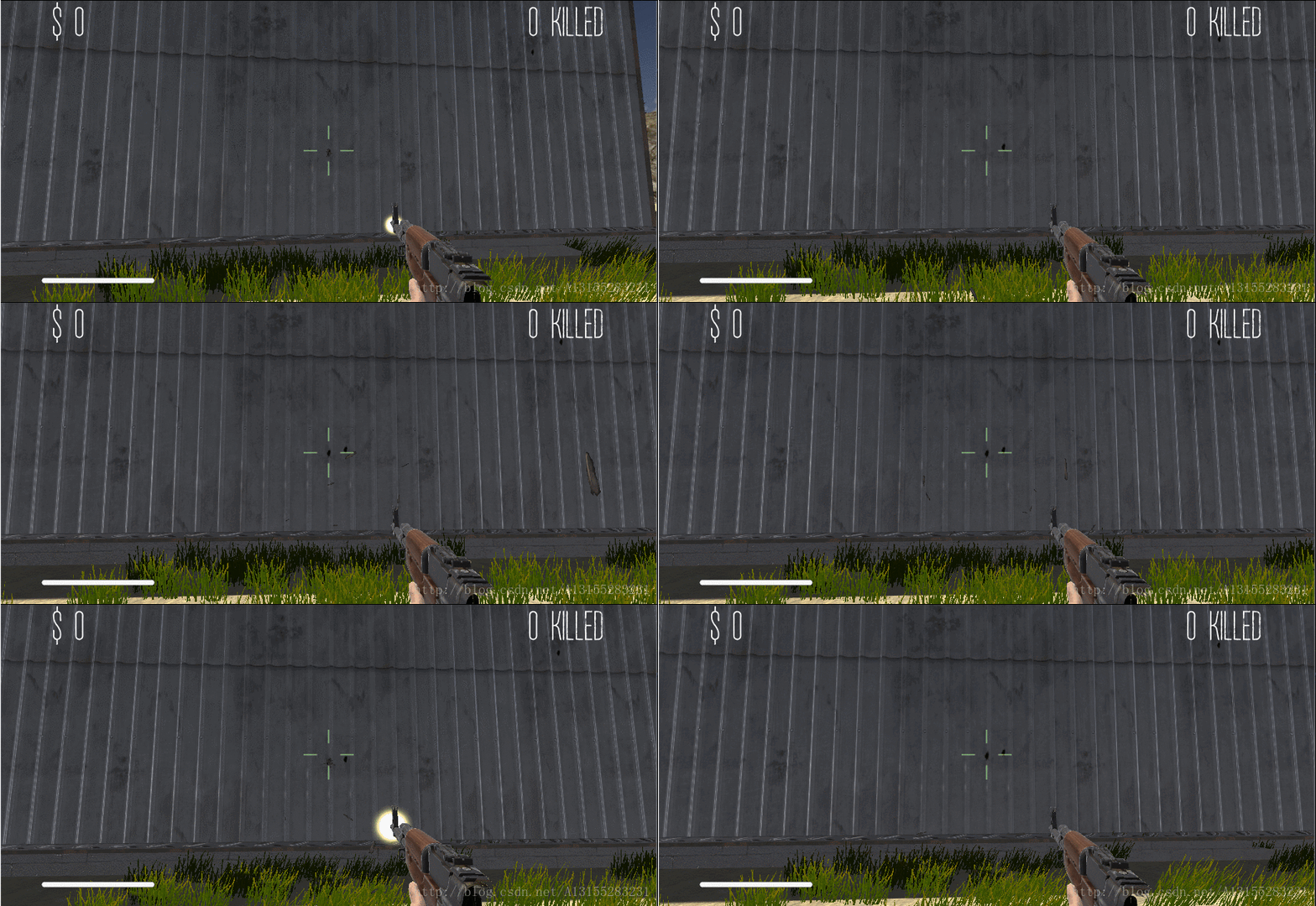
using UnityEngine;
using System.Collections;
public class Camera2Follower : MonoBehaviour {
// 枪cd计时器
float timer;
// 后座力 之前枪摄像头的角度
Vector3 s_pre_euler;
public float gun_end_force = 0.53f; // 枪后座力大小 (可以先调大些方便调试)
void Update ()
{
....
timer += Time.deltaTime;
if (Input.GetButton("Fire1") && timer >= 0.15)
{
// 计时器清零
timer = 0f;
s_pre_euler = transform.eulerAngles;
// 后座力
rotationY += Input.GetAxis("Mouse Y") * sensitivityY + gun_end_force;
Quaternion yQuaternion2 = Quaternion.AngleAxis(rotationY, Vector3.left);
transform.localRotation = originalRotation * yQuaternion2;
}
// 检测鼠标有没有移动
if (Input.GetAxis("Mouse Y") != 0)
{
//Debug.Log("X: " + transform.eulerAngles);
s_pre_euler = transform.eulerAngles;
rotationY += Input.GetAxis("Mouse Y") * sensitivityY;
rotationY = ClampAngle(rotationY, minimumY, maximumY);
Quaternion yQuaternion = Quaternion.AngleAxis(rotationY, Vector3.left);
transform.localRotation = originalRotation * yQuaternion;
}
else
{
recoverGun();
}
}
// 恢复后座力以前的位置
void recoverGun() {
s_pre_euler.y = transform.eulerAngles.y;
Quaternion current_cam = Quaternion.Euler(transform.eulerAngles);
Quaternion target_cam = Quaternion.Euler(s_pre_euler);
transform.eulerAngles = Quaternion.Slerp(current_cam, target_cam, 5 * Time.deltaTime).eulerAngles;
}
void Start ()
{
s_pre_euler = transform.eulerAngles;
}
// 限制角度
public static float ClampAngle (float angle, float min, float max)
{
if (angle < -360F)
angle += 360F;
if (angle > 360F)
angle -= 360F;
return Mathf.Clamp (angle, min, max);
}
}看了一下cs的枪后座力 发现还有左右抖动,于是又加了点代码
y_angle_mat = xxxxxxxx; // 上下方向
....
// 在枪开火的方法区加
float xAngle = Random.Range(0.0f,1.0f);
Quaternion x_angle_mat = Quaternion.AngleAxis(xAngle, Vector3.up);
transform.localRotation = originalRotation * y_angle_mat * x_angle_mat; // 相当于乘以一个矩阵c#运行武汉格发信息技术有限公司,格发许可优化管理系统可以帮你评估贵公司软件许可的真实需求,再低成本合规性管理软件许可,帮助贵司提高软件投资回报率,为软件采购、使用提供科学决策依据。支持的软件有: CAD,CAE,PDM,PLM,Catia,Ugnx, AutoCAD, Pro/E, Solidworks 等。
 技术文档
技术文档
 推荐好文
推荐好文





 155-2731-8020


.png)



