


软件

产品


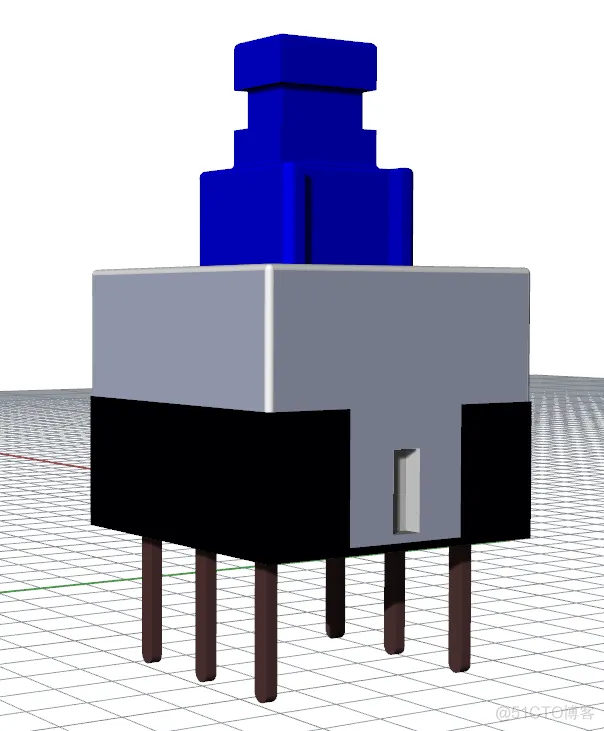
in the mode of “渲染模式”
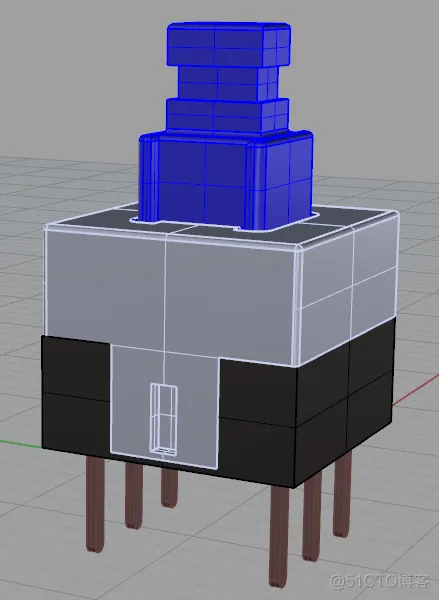
in the mode of “着色模式”
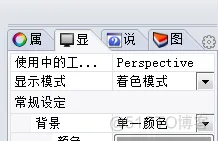 In the mode of “着色模式”, the color in the Rhinoceros is the same as one in the Altium Designer
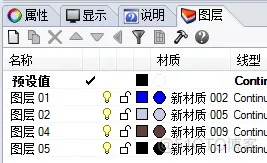 create color materials,
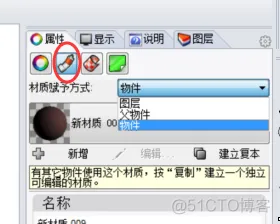 if “材料赋予方式” is “图层”, the color of “材质” is shown in the “渲染模式”. if “材料赋予方式” is “物件”, the color of “渲染模式” depends on the following setting.
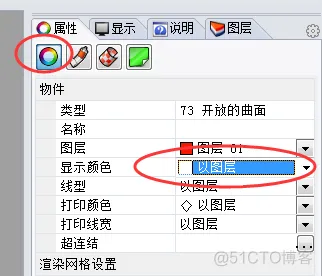 if “显示颜色” is “以图层”, the color of “图层” is shown in the “着色模式”, otherwise the color of “着色模式” depends on “显示颜色” rather than the color of “图层”.
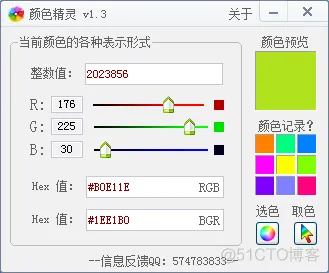
the color of the picture or photo can be extracted by “颜色捕捉器” or “颜色提取器”
免责声明:本文系网络转载或改编,未找到原创作者,版权归原作者所有。如涉及版权,请联系删
武汉格发信息技术有限公司,格发许可优化管理系统可以帮你评估贵公司软件许可的真实需求,再低成本合规性管理软件许可,帮助贵司提高软件投资回报率,为软件采购、使用提供科学决策依据。支持的软件有: CAD,CAE,PDM,PLM,Catia,Ugnx, AutoCAD, Pro/E, Solidworks 等。
 技术文档
技术文档
 推荐好文
推荐好文





 155-2731-8020




