


软件

产品


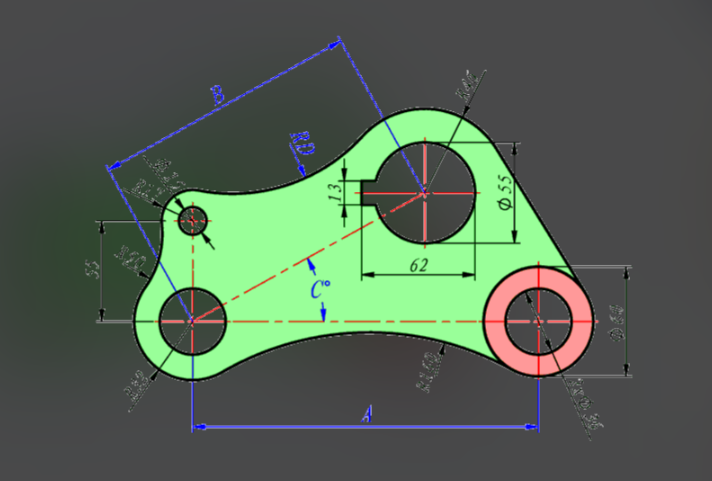
你不需要做任何额外设置,CATIA 默认就会通过线条颜色,直观地告诉你当前草图的约束状态。
CATIA 草图中线条的颜色及其代表的约束状态如下:
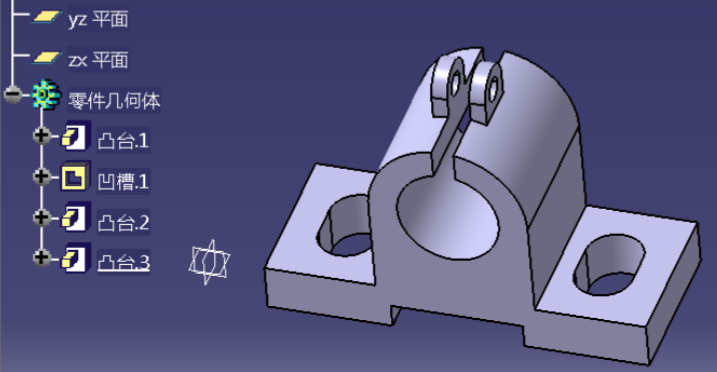
如果你希望改变这些默认的颜色设置,可以按以下路径操作:
Using Colors
https://catiahelp.azurewebsites.net/English/DysUserMap/dys-c-BeforeYouBegin-ColorUse.htm
About Constraints
http://catiahelp.azurewebsites.net/English/PdgUserMap/pdg-c-ConstraintSet-Constraint.htm
Constraints and Dimensions
https://catiahelp.azurewebsites.net/English/SettingsMap/settingscomasd-c-ConstraintsDimensions.htm
免责声明:本文系网络转载或改编,未找到原创作者,版权归原作者所有。如涉及版权,请联系删
 技术文档
技术文档
 推荐好文
推荐好文





 155-2731-8020