


软件

产品


The files shown in details are missing from the project.
See “Project file management” in the workbench help for more information。
Files that may be repairable in the Files pane (View > Files):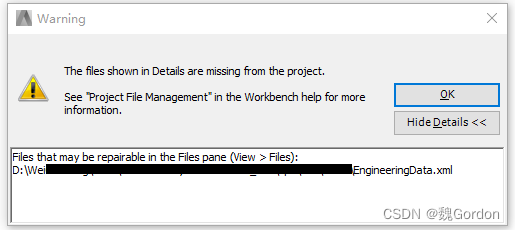
这里可能是在拷贝过程中一些文件的位置发生了变化,需要进行删除或进行修复。
1. Workbench中菜单栏>View>Files打开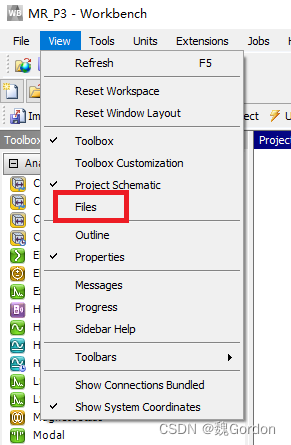
2. 在下方的Files列表中找到出错的文件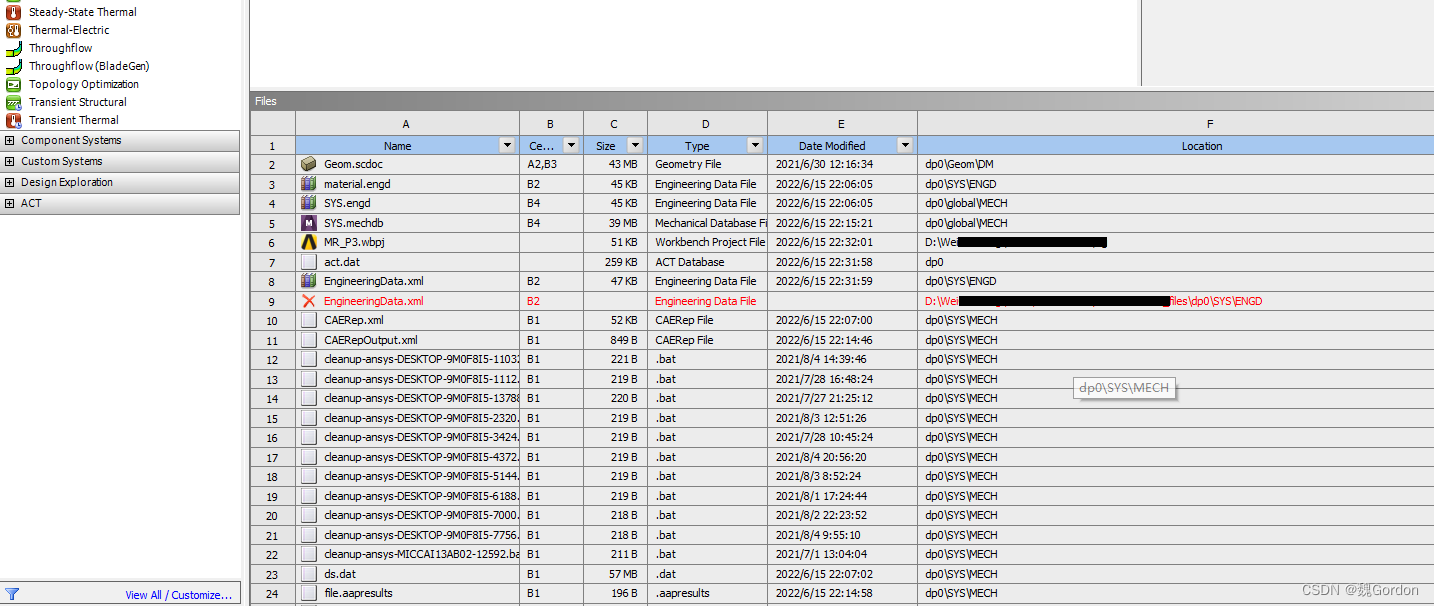
3. 右键要修复的文件,进行删除或修复,(我这里是文件已经转移直接删除)
免责声明:本文系网络转载或改编,未找到原创作者,版权归原作者所有。如涉及版权,请联系删
 技术文档
技术文档
 推荐好文
推荐好文





 155-2731-8020




