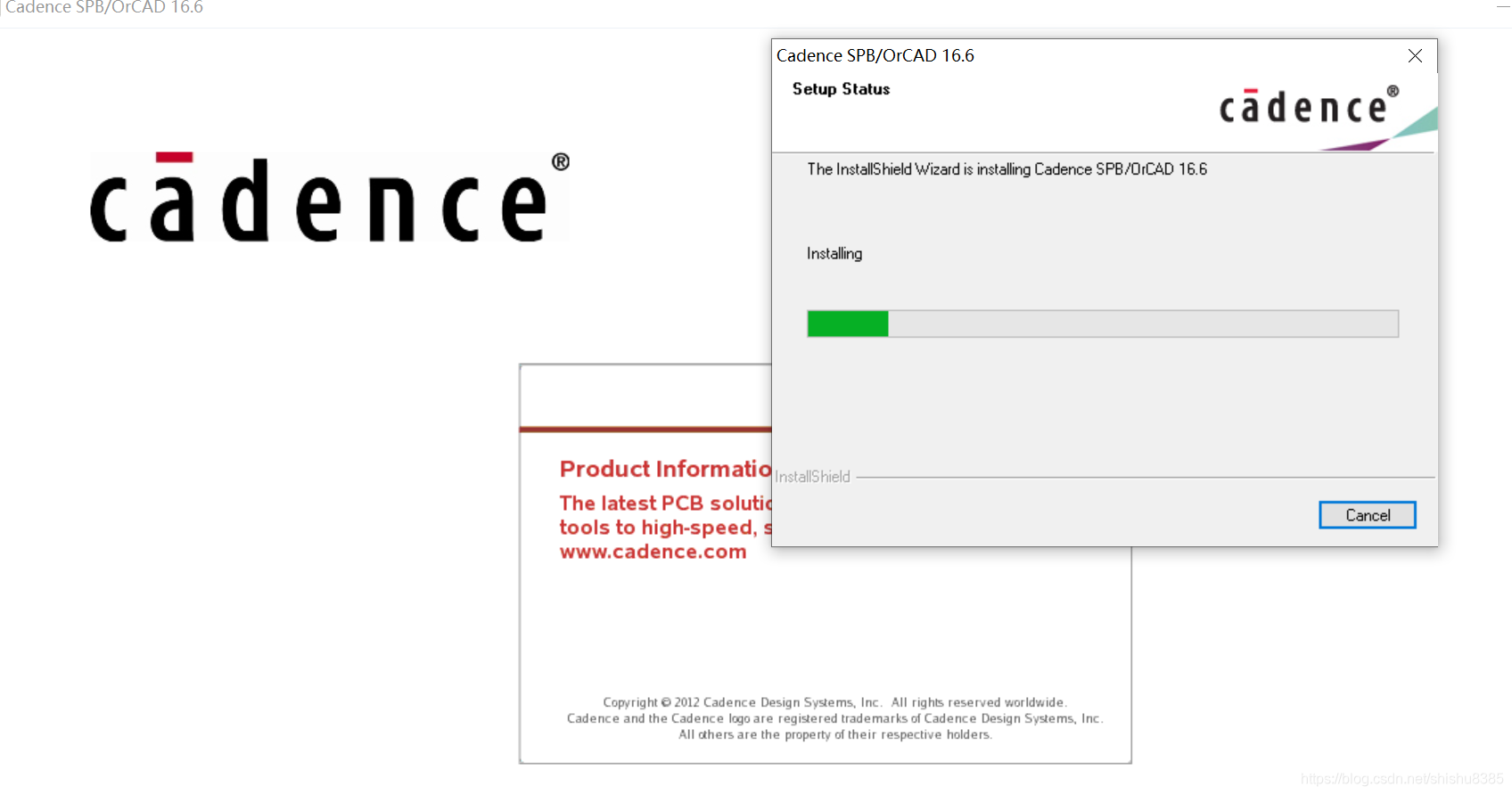
Go to Setup, start installation of the license manager use “License manager” button NOTE: When asked for License File Location, CANCEL that dialog.
Install Cadence SPB 16.6 use “Product Installation” button.
2a Install Hotfixs
Copy \Cadence\ folder from \CRACK\ to install dir and overwrite. (c:\cadence)
Go to \Cadence\LicenseManager\ folder Run “LicenseManager.cmd” file
Go to \Cadence\SPB_16.6\tools\ folder Run “Tools.cmd”. in MS Win7: right-click on a Tools.cmd file and select “Run As ADMINISTRATOR” NOTE: Process will take 1-5 mins.
Go to \Cadence\LicGen\ folder, Edit file “src.lic” with Notepad, change “this-host” to your host name. Save file.
Run “LicGen.cmd” file “license.lic” file will be generated.
Run Start -> Programs -> Cadence -> License Manager -> License Server Configuration Utility Select generated “license.lic” file Click Next twice.