


软件

产品


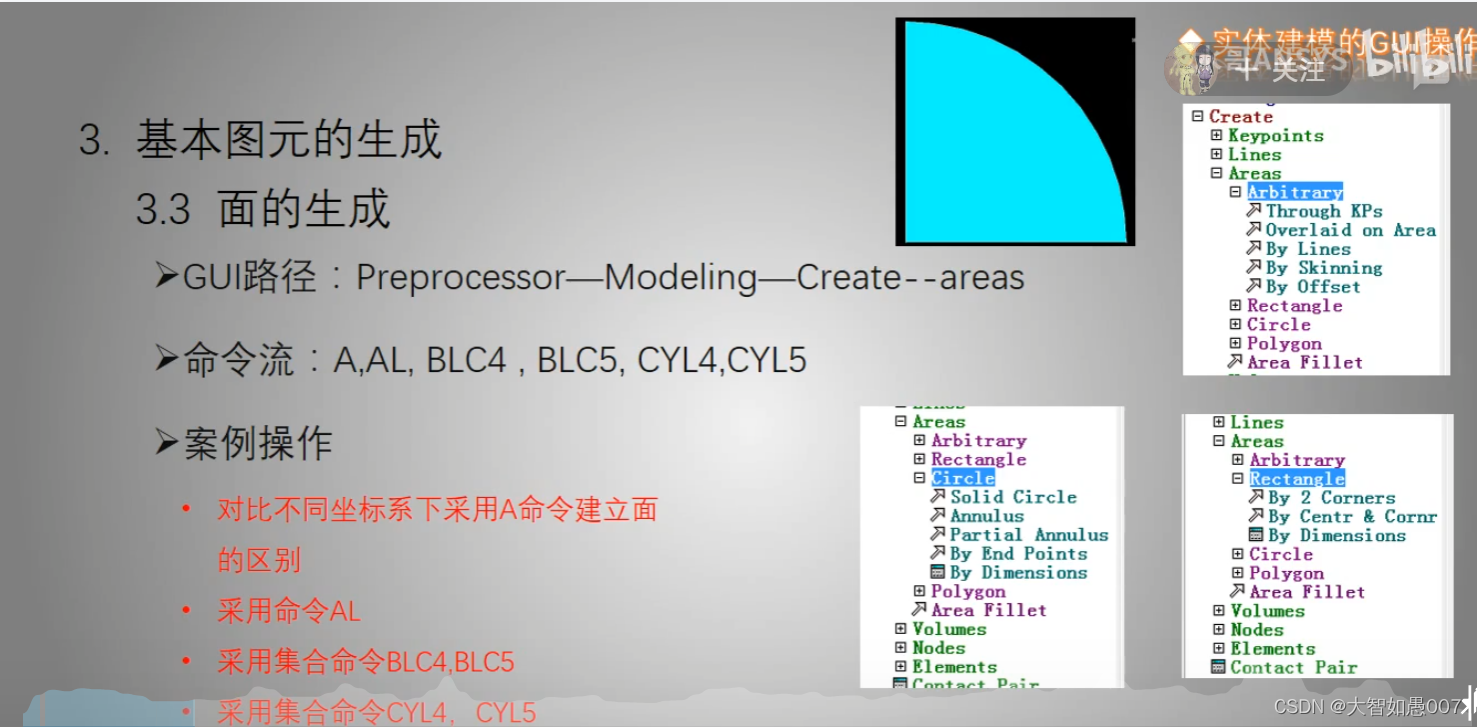
preprocessor-modeling-create-areas-
A, P1, P2, P3, P4, P5, P6, P7, P8, P9, P10, P11, P12, P13, P14, P15, P16, P17, P18
Defines an area by connecting keypoints.
AL, L1, L2, L3, L4, L5, L6, L7, L8, L9, L10
Generates an area bounded by previously defined lines.
BLC4 从角点开始;
BLC4, XCORNER, YCORNER, WIDTH, HEIGHT, DEPTH
BLC5从中心点开始
BLC5, XCENTER, YCENTER, WIDTH, HEIGHT, DEPTH
Creates a rectangular area or block volume by center and corner points.
A:选点围成面
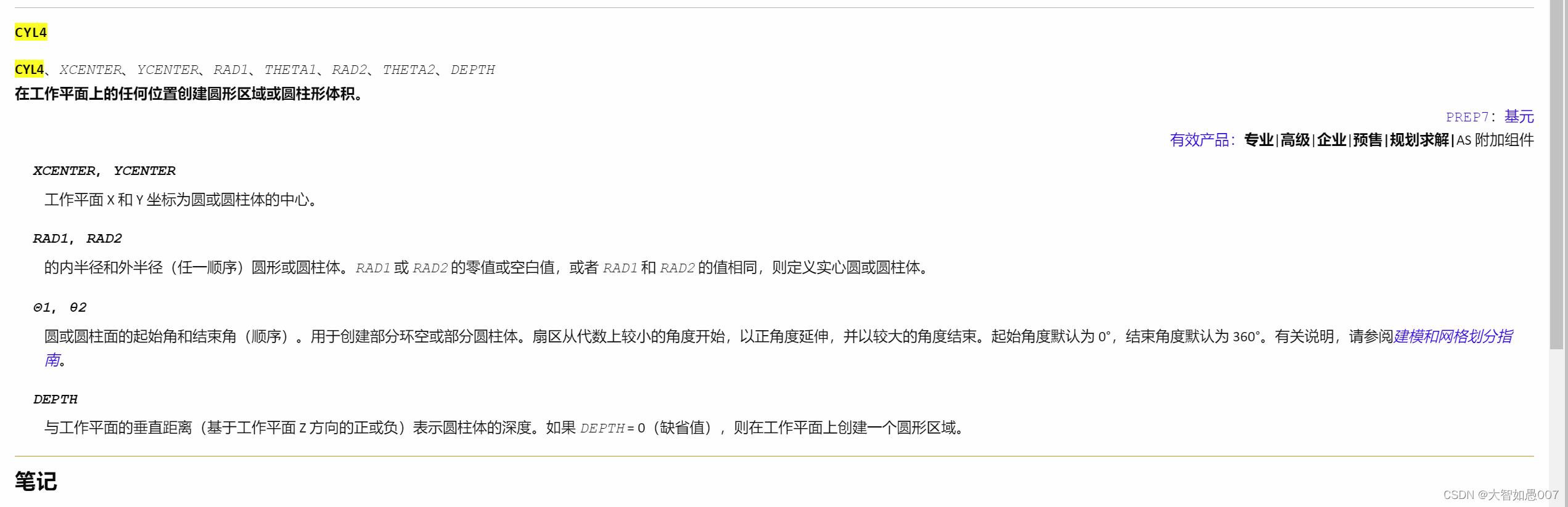
CYL4, XCENTER, YCENTER, RAD1, THETA1, RAD2, THETA2, DEPTH
Creates a circular area or cylindrical volume anywhere on the working plane.
CYL5, XEDGE1, YEDGE1, XEDGE2, YEDGE2, DEPTH
Creates a circular area or cylindrical volume by end points.
Valid Products: Pro | Premium | Enterprise | PrepPost | Solver | AS add-on
XEDGE1, YEDGE1
Working plane X and Y coordinates of one end of the circle or cylinder face.
XEDGE2, YEDGE2
Working plane X and Y coordinates of the other end of the circle or cylinder face.
及在工作排名找两点 两点的连线为直径的圆
cyl4,0,0,0,0,3000,90 #前两个0是坐标,第三个0是内半径,第四个是圆的起始角,第五个3000是外圆的半径,第四个90度是结束圆的角度。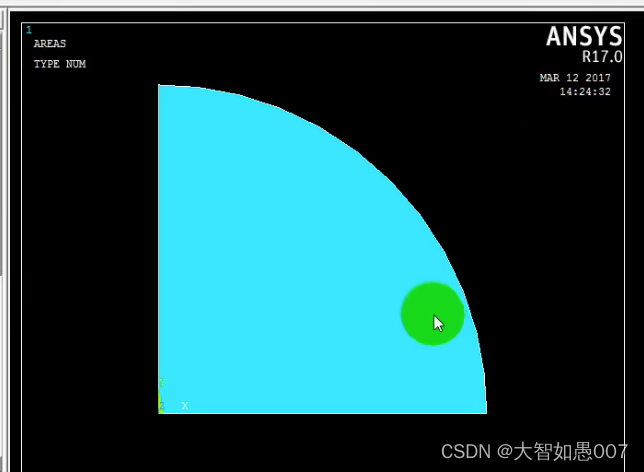
免责声明:本文系网络转载或改编,未找到原创作者,版权归原作者所有。如涉及版权,请联系删
 技术文档
技术文档
 推荐好文
推荐好文





 155-2731-8020




