


软件

产品


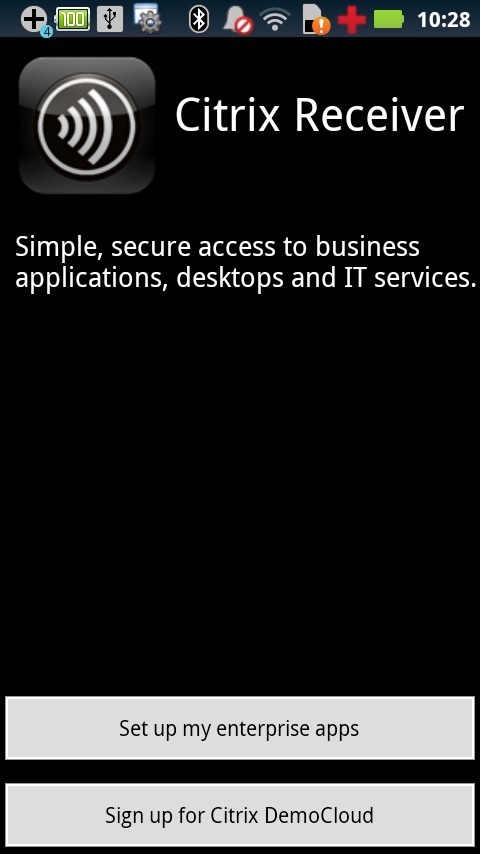
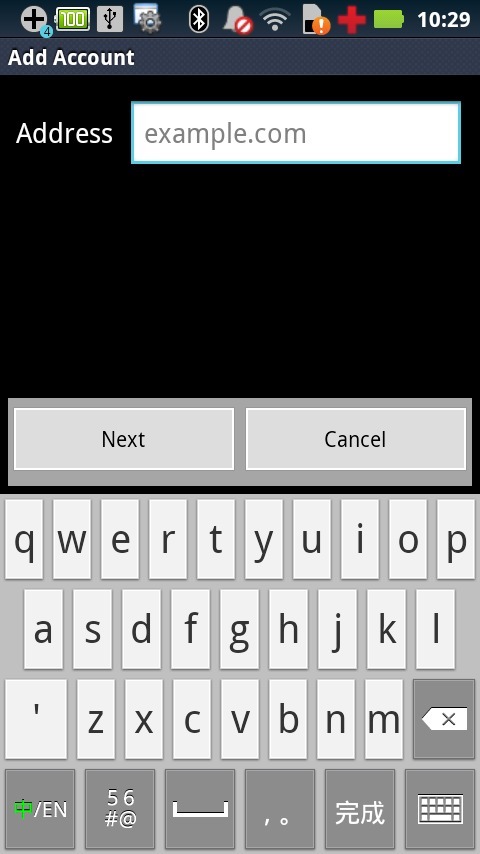
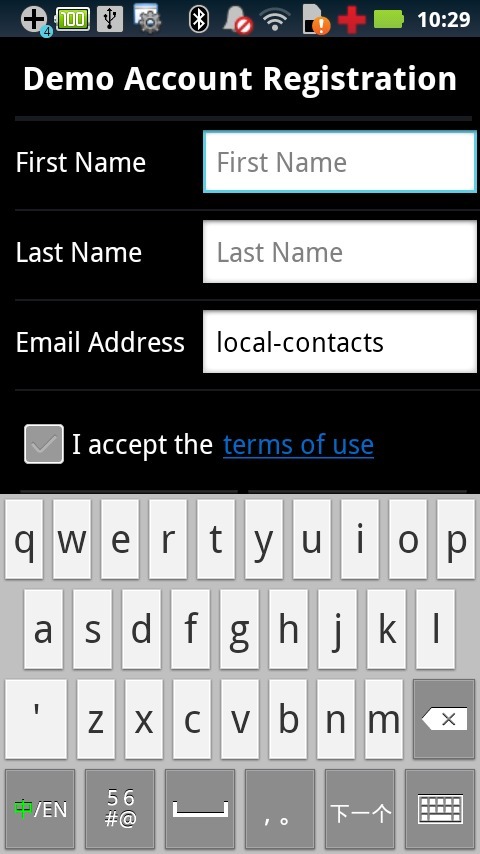
Citrix Receiver provides remote access to your XenApp app’s, docs and desktops.If your company uses Citrix to host applications, you can use Citrix Receiver to check your email, review documents, tune into project dashboards, and approve expenses from your Android smartphone, tablet, or other device using Android OS. Just ask your help desk for the URL to set up Receiver.If your company doesn’t use Citrix yet, you can still install Citrix Receiver and try a demo of virtual environments (http://citrixcloud.net/).What you can do with Citrix Receiver:? Access your applications and Windows desktop at your office, home, or on the road? Keep your information stored on your provider’s secure servers, not on your device? Move from desktop to tablet to smartphoneCitrix Receiver is available for Mac, Windows, iOS, Android and BlackBerry. Additional platforms coming soon. For more information on Citrix Receiver, go to http://citrix.com/receiver.If you're upgrading, here's what’s new in Version 2.1.1078:? Fix for an SSL error that was being seen by users who upgraded their Android operating system version? Fixes for various stability issues
免责声明:本文系网络转载或改编,未找到原创作者,版权归原作者所有。如涉及版权,请联系删
 技术文档
技术文档
 推荐好文
推荐好文





 155-2731-8020




